Google Play Store PC
Gives you access to any type of Apk Android App on your Windows PC.

Safe & Secure

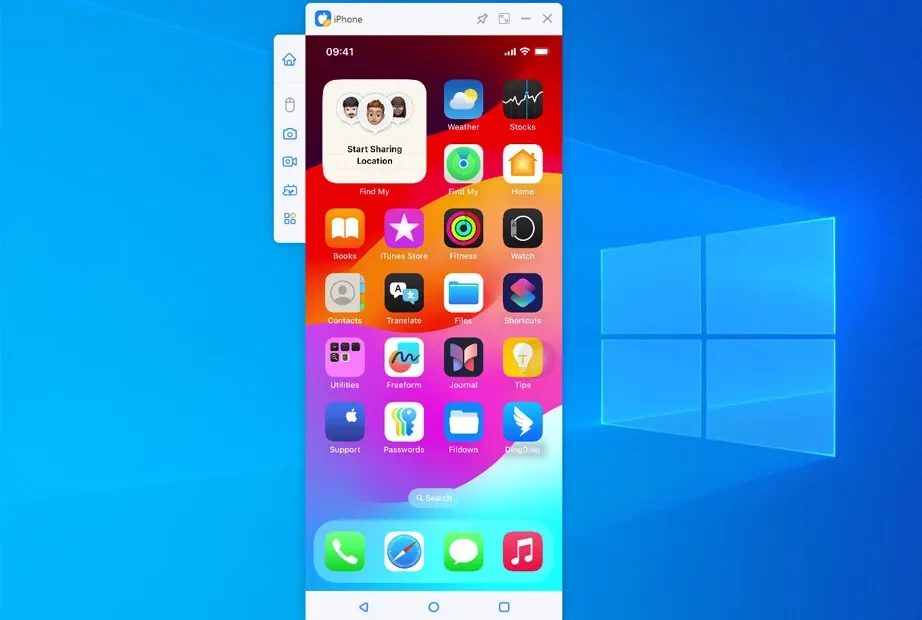

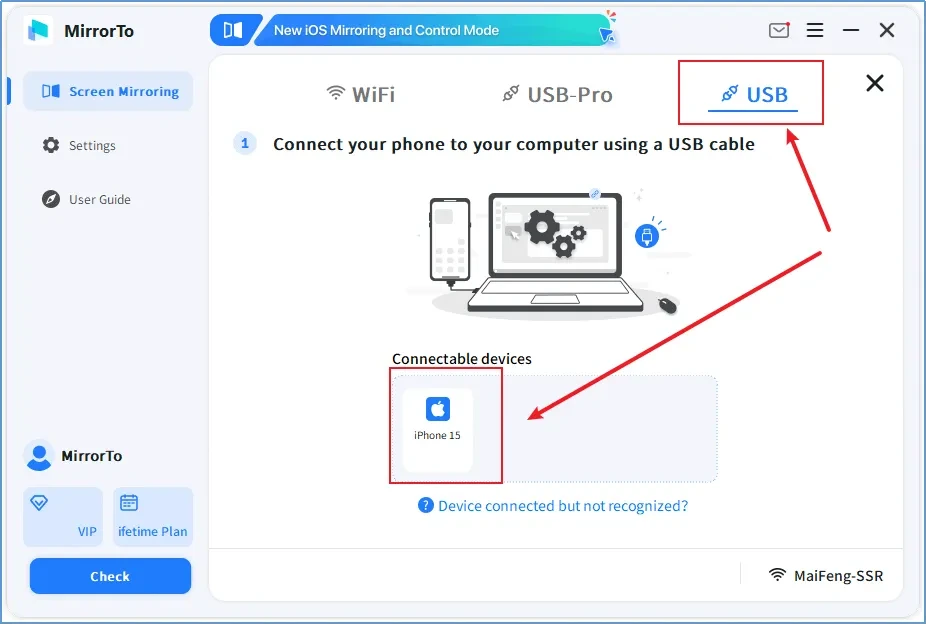
iMyFone MirrorTo is a simple yet efficient screen mirroring to allow the users control their mobile phone’s screen using a keyboard and mouse on a computer, MAC, or TV. It offers multiple handy tools to enhance communication, entertainment, and productivity, transforming your digital experience.
The productivity-focused tool offers awesome services in different scenarios, such as gaming, education, professional use, or simply for enhancing your digital interactions. You will find a lot of powerful screen mirroring capabilities at your fingertips.
iMyFone MirrorTo, developed by Shenzhen iMyFone Technology Co. Ltd., falls under the Tools category and is commercial software. The versatile utility supports both Android and iOS for mirroring and controlling mobile screens on big screens, including Windows PCs, Macs, or TVs.
The app offers real-time on-screen annotation and multi-screen casting to make your gaming, teaching, streaming, and presentations awesome and stunning. It is also capable of mirroring the screen with audio to enhance digital interactions within powerful tool for collaborative work or education settings.
The app offers seamless control of your mobile apps from your Windows PC, allowing users to reliably operate multiple tasks, such as clicking, typing, and scrolling. You are capable of extending the keyboard mapping to control mobile content, even larger titles as well. You will find obvious appeal in the physical keyboard and big screen, and transfer files from PC to Android, and clipboard synchronization without switching constantly between devices.
Enhance the quality of mirroring, as the app offers low-latency HD output up to 1080p for screen capturing and recording. So, the most convenient tool helps to save screenshots to the clipboard between devices. It also helps to watch the content, specifically the visual content on the big screen, and enjoy videos, presentations, and even office work more reliably.
The support for screen annotation and whiteboard helps to conduct online classes, meetings, and other collaborative presentations. moreover, you can connect multiple mobile devices to your PC to operate them simultaneously. The innovative feature is the best option for collaborative work, enabling users to compare work or guide their colleagues as well. So, the app proves a more practical utility compared to other typical casting apps.
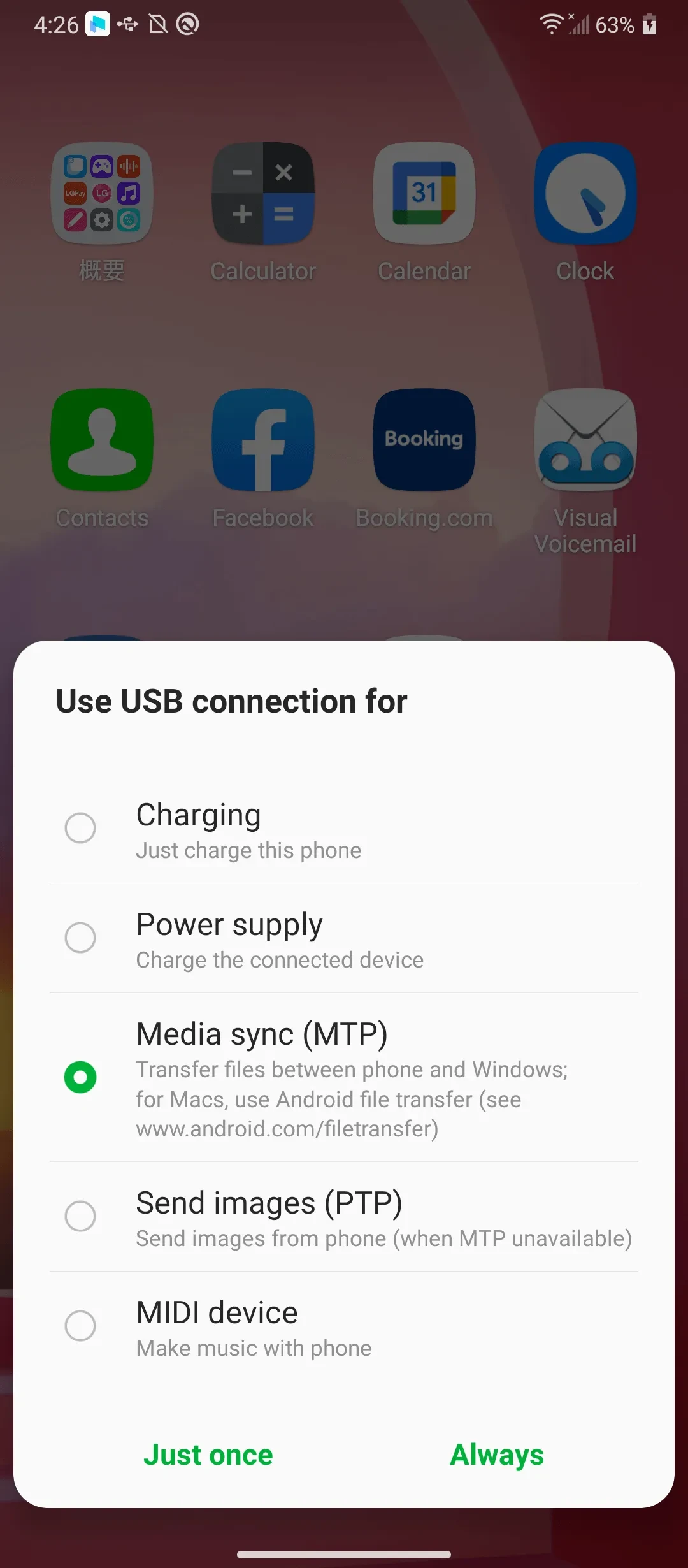
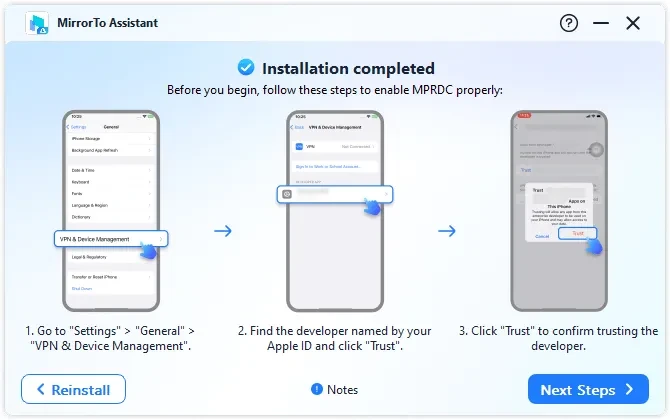
You have to follow some specific rules to use the app on your devices, as it requires a companion desktop program for completing the casting process. You can download it from the vender site, and also asks permission for Accessibility and Foreground Service. These permissions allow users to control PC-side, persistent mirroring notifications, and background synchronization. It also supports USB debugging or same-network connections. However, all this depends on your device and desktop platform.
It is another significant feature, specifically useful for creators to launch live streaming for multiple devices, such as YouTube, Twitch, TikTok, and even other conferencing platforms, including Zoom, Skype, and so on. It also allows you to record mirrored sessions with audio and HD quality up to 1080p. In this way, you can use the app in different scenarios, such as demonstrations, app tutorials, mobile streaming, and presentations, without watching directly on the phone.
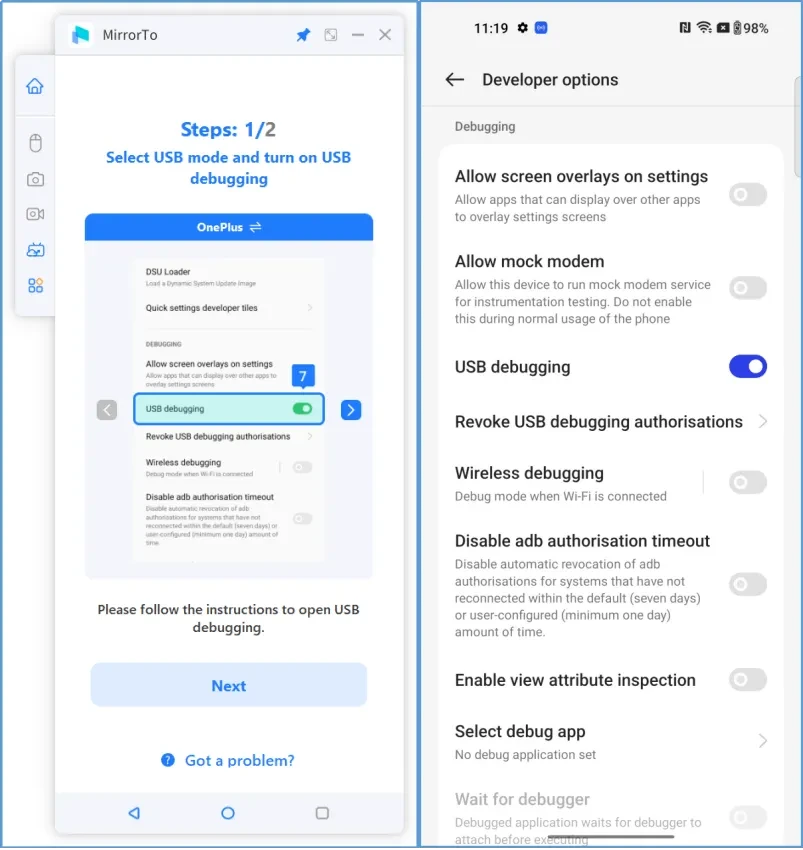
It offers smooth and fast performance, as users have mentioned stable wireless mirroring; however, there are also complaints of unstable connections or recognition issues with certain phone/laptop. No doubt, USB connection is supported, but it requires extra configuration, such as developer options and USB debugging. However, with proper configuration, you will find clear, low-latency streams for video playback and other mirroring processes. However, the performance depends on the network, desktop hardware, and device model.
The app offers free services, but only for basic functionality, as multiple users have complained of facing a subscription screen to access advanced functionality. However, it doesn’t establish a universal paywall, but claiming a free offer is also not possible. It is the best solution, specifically for users who are seeking a strong PC interaction, even if they have to verify the current subscription terms.
The app offers a simple and easy mirroring process, as you only need to connect devices, enable USB debugging from Developer options, and after allowing permissions, start to control your phone from your PC. Use controls to quickly toggle the keyboard and access the camera to start video capture. You can also enable “Night mode” and “Full Screen mode” as well, and enjoy full capabilities of the app, using lower section buttons, including home, back, and apps, etc.
Pros
Cons

Gives you access to any type of Apk Android App on your Windows PC.

PC App Store download, install, and keeps up-to-date your PC programs

free emulator to play Android apps on your pc with extra performance, reliability

Bijoy Bayanno the most powerful software to write Bengali language on PC

Media Creation Tool is upgrading and installing Windows 10 bootable installed disks.

Rufus easily change your USB Flash to a bootable ISO flash drives.